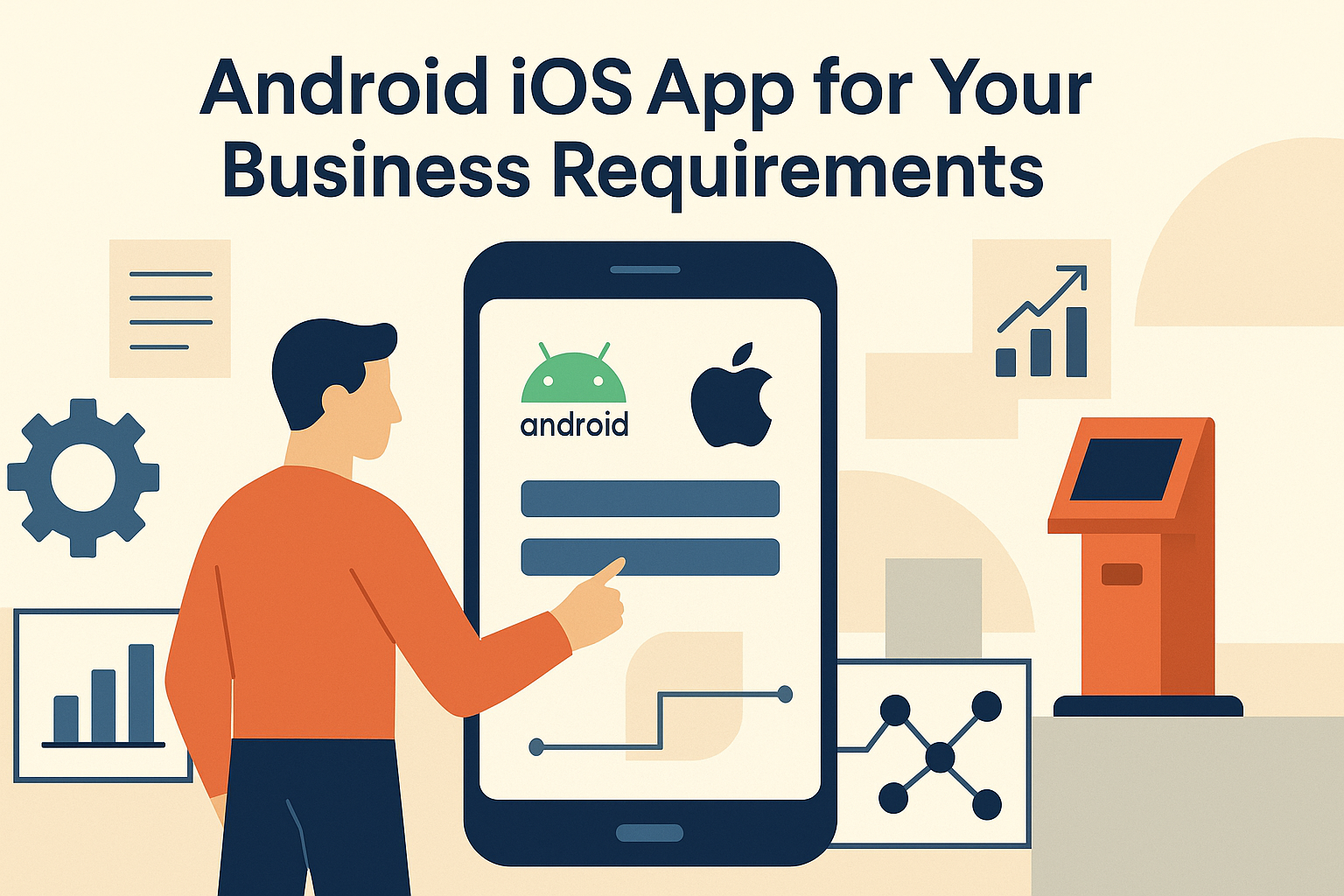
In today's digital landscape, Android iOS apps play a crucial role in enhancing business operations and customer engagement. Whether your organization is looking to develop a simple application for internal use or a complex solution for end-users, understanding the nuances of mobile app development is essential.
With the right approach, businesses can leverage Android iOS apps to streamline processes, improve service delivery, and ultimately drive growth.
Understanding the Importance of Mobile Apps
Mobile apps have become essential tools for enhancing customer engagement and satisfaction. They allow businesses to connect with their customers on a personal level, providing tailored experiences that can significantly improve retention and loyalty.
One of the key advantages of mobile apps is their ability to provide real-time access to services and information. This immediacy not only meets customer expectations but also empowers users to make informed decisions quickly.
Furthermore, mobile apps can be customized to meet specific business needs, driving efficiency across various operations. By tailoring features and functionalities, organizations can streamline processes, reduce manual work, and enhance overall productivity.
Integration with existing systems is another critical aspect of mobile apps. When apps are designed to work seamlessly with current operations, businesses can achieve a more cohesive and efficient workflow.
Various sectors have successfully implemented mobile apps, showcasing their potential. For instance, in retail, apps have transformed the shopping experience by offering features like in-app purchases and personalized recommendations.
Choosing Between Native and Cross-Platform Apps
When deciding on the development of mobile apps, businesses often face the choice between native and cross-platform solutions. Native apps are known for their superior performance and user experience, as they are designed specifically for a particular operating system, optimizing functionality and responsiveness.
On the other hand, cross-platform apps offer flexibility and cost-effectiveness. They allow developers to write code once and deploy it across multiple platforms, which can significantly reduce development time and resources.
Understanding your target audience and their device usage statistics is crucial in making this decision. If your users predominantly use one type of device, a native app may be the better choice.
However, a balance between development time and functionality must be considered, as native apps often require more time and investment to develop.
Case studies have shown the impact of both approaches. For instance, businesses that opted for native apps often report higher user engagement, while those choosing cross-platform solutions benefit from quicker market entry.
Key Features to Include in Your Android iOS Apps
In today’s competitive landscape, having a mobile app that meets user expectations is crucial. User-friendly interfaces are essential for customer retention; they ensure that users can navigate the app effortlessly. A well-designed interface can significantly enhance the user experience, making it more likely that customers will return to the app.
Offline capabilities are another valuable feature. They improve accessibility in various environments, allowing users to interact with the app even when internet connectivity is limited or unavailable. This is particularly important for businesses operating in areas with unstable network coverage.
Integration with device hardware enhances functionality and can provide a seamless experience for users. For instance, apps that work with scanners and printers can streamline operations in retail or logistics, making processes more efficient.
Robust security features are essential to protect sensitive business data. With increasing concerns about data breaches, ensuring that your app has strong encryption and secure authentication methods can build trust with users.
Real-world examples of effective feature integration include apps that allow for in-store pickups with real-time inventory checks, leveraging both user-friendly design and hardware integration.
The Development Process: From Idea to Launch
The development process of an Android iOS app begins with a clear understanding of business goals and user needs. Identifying what the app aims to achieve and who the target audience is will guide the entire development journey. This foundational step is crucial for creating a product that resonates with users.
Once the goals are established, prototype development helps in refining app functionality. Creating prototypes allows stakeholders to visualize the app's structure and features, leading to valuable feedback before full-scale development begins. This iterative process helps in aligning the app more closely with user expectations.
Testing phases are crucial to ensure reliability and performance. Rigorous testing, including functional, usability, and performance testing, can identify and resolve issues before the app is launched. This step is essential for delivering a quality product that users can depend on.
Post-launch support and updates are necessary to maintain the app's relevance in a constantly evolving market. Regular updates, bug fixes, and user feedback incorporation can keep the app fresh and engaging.
Illustrations of a successful app development lifecycle often reflect these stages, showcasing how initial ideas evolve into fully functional applications that meet user needs and business objectives.
Android iOS Apps: Tailored Solutions for Your Business
Custom Android iOS apps can address unique operational challenges faced by businesses in various sectors. By developing tailored solutions, organizations can optimize workflows, enhance user experiences, and improve overall efficiency. These applications are designed to meet specific business requirements, ensuring that they align closely with the company's objectives and operational processes.
Scalability is another critical aspect when considering mobile app development. A well-designed app should be able to grow alongside your business needs, accommodating increased user demand and additional features without compromising performance. This flexibility allows businesses to adapt to market changes and evolving customer expectations.
Integration with existing IT infrastructure is essential for enhancing operational efficiency. Custom apps can seamlessly connect with other systems, such as inventory management, CRM, and payment gateways, streamlining processes and reducing manual effort. This integration fosters better data sharing and communication across departments.
Moreover, it is crucial to consider future tech trends when planning your app strategy. Staying ahead of advancements in technology can provide a competitive edge and ensure that your app remains relevant in a rapidly changing environment.
Many businesses have successfully transitioned to custom mobile solutions, reaping the benefits of improved productivity and customer satisfaction. These success stories serve as a testament to the potential of tailored Android iOS apps in driving business growth and innovation.
How AtashiTech helps
AtashiTech builds native Android and iOS apps and cross-platform .NET MAUI apps, focusing on offline behavior and device peripherals as core requirements rather than late additions. The mobile practice at AtashiTech grew from self-service systems, enabling the development of apps that enhance user experiences, such as pre-registration for kiosks or alerts for maintenance needs.
By integrating mobile applications with existing systems, AtashiTech ensures that your Android iOS apps are tailored to meet specific business needs and operational challenges, thus providing significant value to your organization.
Conclusion
Incorporating Android iOS apps into your business strategy can lead to significant improvements in efficiency and user satisfaction. Understanding your requirements and working with the right development partner is key to success.
Planning a kiosk project? Talk to AtashiTech about your requirements — every engagement is scoped and quoted individually.
Frequently asked questions
Related solutions

More from the blog

How a Queue Management Kiosk Reduces Waiting Room Stress
Explore the advantages of implementing a queue management kiosk in hospitals and banks to enhance service efficiency and reduce waiting room stress.
Key Kiosk Software Cost Factors You Should Know
Discover the primary factors that influence the cost of custom kiosk software, and gain insights to enhance your project budget planning.
Revamping Legacy Kiosk Software for Modern Needs
Revamping your legacy kiosk software can significantly improve efficiency and user experience. Learn how to modernize your systems effectively.
Tell us the journey, the sites and the hardware you already have — every engagement is scoped and quoted individually.