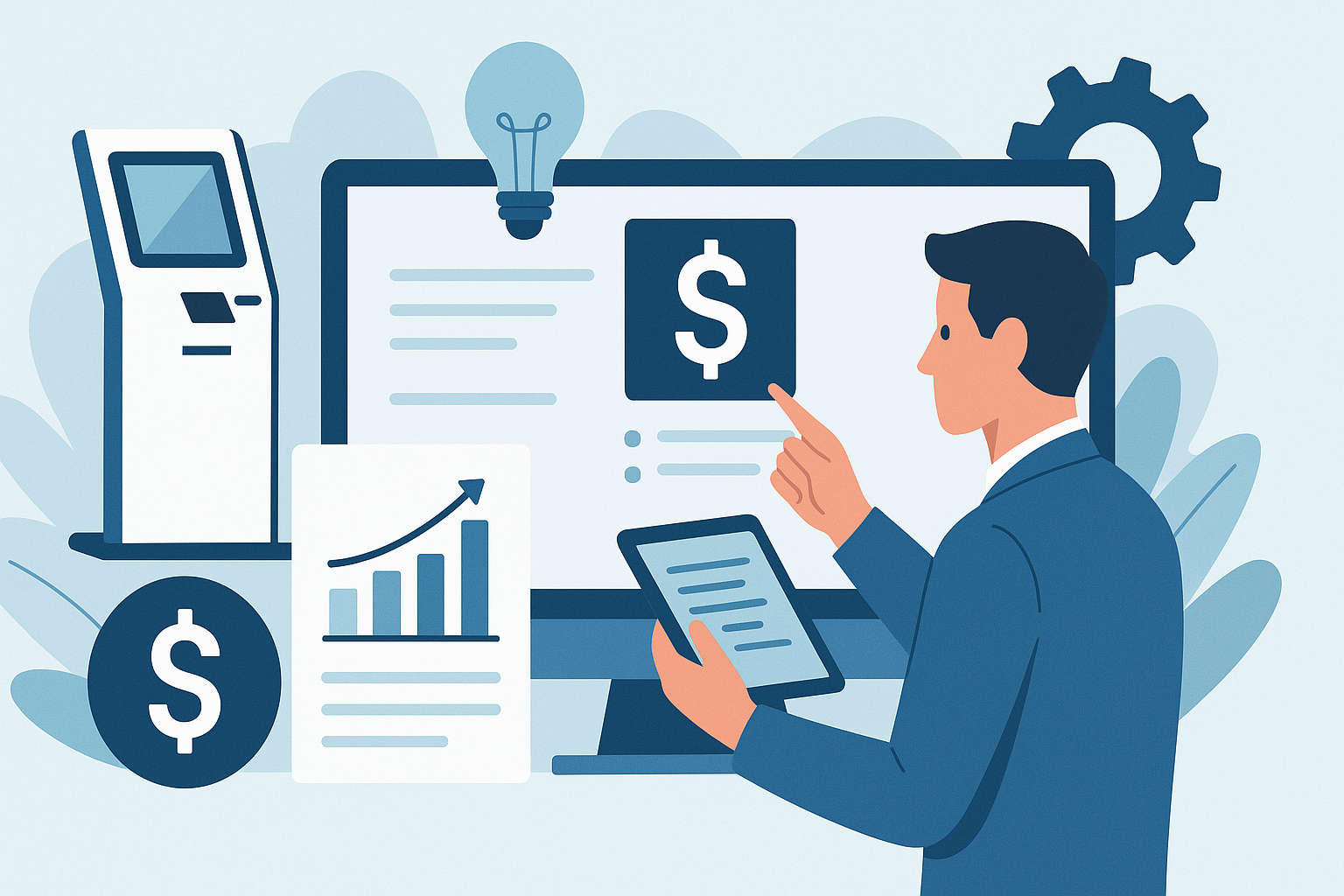
When planning a kiosk project, understanding the various kiosk software cost factors is crucial for making informed budget decisions. The cost of custom kiosk software can vary significantly based on several elements, from project scope to ongoing maintenance.
In this article, we will explore the key factors that drive the costs associated with custom kiosk software development, helping you prepare a comprehensive budget request.
Understanding Project Scope and Requirements
Defining the project scope is crucial for aligning user needs with business goals. A well-defined scope ensures that all stakeholders have a clear understanding of the objectives, functionalities, and limitations of the kiosk software. When outlining the scope, it is important to consider the complexity of features required. For instance, a project that includes advanced functionalities like multi-language support or sophisticated payment processing will require more resources than a simpler application.
Additionally, the integration of existing systems into the new kiosk software adds another layer of complexity. Each integration point can introduce potential challenges that can affect the overall project timeline and cost. As requirements evolve, it is essential to assess how changes will impact the project. Frequent modifications or unclear requirements can lead to scope creep, which not only extends timelines but also increases costs. Therefore, a comprehensive requirements analysis at the outset can help mitigate these risks.
Customization and User Experience Design
Customization plays a significant role in creating a tailored user experience for kiosk software. By focusing on specific user needs, businesses can enhance engagement and satisfaction. This involves designing intuitive interfaces and workflows that align with how users interact with the kiosk. A well-designed user interface can streamline the user journey, making it easier for customers to complete tasks efficiently.
However, customization also influences development time and cost significantly. Basic features may require less time and resources to implement, while advanced functionalities such as personalized recommendations or analytics tracking can increase complexity. Buyers should weigh the trade-offs between basic and advanced features. While advanced features may provide greater value, they also necessitate more extensive testing and refinement, leading to higher costs. Ultimately, the goal should be to achieve a balance between user experience and budget constraints.
Integration with Existing Systems
One of the primary considerations when developing custom kiosk software is the need for integration with existing systems. Businesses often rely on various software and hardware solutions to manage operations, and ensuring that the kiosk can communicate effectively with these systems is crucial. This integration can enhance functionality, streamline processes, and provide a seamless user experience.
Potential costs associated with API development can vary significantly based on the complexity of the integration. Developing robust APIs that allow the kiosk software to interact with other systems may require specialized development skills and additional testing to ensure reliability. Depending on the level of customization needed, these costs can add up, so it’s essential to evaluate the necessary integrations early in the project.
Moreover, the complexity of the integration can greatly affect the overall budget. Simple integrations may be less costly and quicker to implement, while more complex scenarios involving multiple systems or real-time data synchronization can lead to increased development time and resources. Understanding these factors will help in accurately estimating the total cost of the kiosk software project.
Hardware and Peripheral Compatibility
Identifying the hardware requirements for kiosk software is a critical step in the planning process. The performance of the software can be heavily dependent on the specifications of the hardware it runs on, including processing power, memory, and storage capacity. Before starting development, it's essential to define these requirements based on the intended use of the kiosk.
Compatibility with peripherals is another important aspect to consider. Kiosks often utilize various external devices such as printers, scanners, payment terminals, and touchscreen displays. Ensuring that the software can seamlessly interact with these peripherals is vital for delivering a smooth user experience. Any incompatibility can lead to additional costs for either hardware upgrades or software modifications.
Finally, the choices made regarding hardware can significantly impact software development costs. High-performance hardware may necessitate more sophisticated software solutions, while lower-end options might limit functionality. Therefore, a balanced approach that considers both hardware capabilities and software requirements will help manage costs effectively throughout the project.
Ongoing Support and Maintenance Considerations
When budgeting for kiosk software, it's essential to consider the long-term support and maintenance requirements. This involves planning for regular updates, security patches, and potential feature enhancements to keep the software running smoothly and effectively.
Maintenance costs can accumulate over time, especially if troubleshooting is necessary. Issues may arise due to software bugs, hardware incompatibilities, or changes in user needs. Allocating a budget for these unforeseen expenses can prevent financial strain in the future.
Support agreements are another crucial aspect that can significantly impact the overall project budget. Depending on the terms of the agreement, ongoing support may include access to a helpdesk, regular maintenance check-ups, or priority response times for critical issues. Understanding the scope of these services will help provide clarity on the total cost and ensure that the kiosk software remains functional and up-to-date throughout its lifecycle.
How AtashiTech helps
How AtashiTech helps
AtashiTech builds custom kiosk software tailored to your specific needs, integrating various components such as barcode scanning, payment processing, and user interfaces. We offer a range of self-service solutions, including retail self-checkout and food ordering kiosks, which are designed to enhance customer experience. Additionally, our kiosk management platform provides real-time monitoring and updates, ensuring that your software remains functional and efficient post-deployment.
Conclusion
Understanding these cost factors can help you make better decisions for your kiosk project.
Planning a kiosk project? Talk to AtashiTech about your requirements — every engagement is scoped and quoted individually.
Frequently asked questions
Related solutions

Retail Self-Checkout Kiosk Software
Self-checkout kiosk software for supermarkets, convenience stores and pharmacies: scanning, scale validation, card, QR and cash payment, loyalty and attendant alerts, synced with your POS and inventory and working offline.
Learn more
Centralized Kiosk Management & Remote Monitoring Platform
One console for every kiosk we deliver: enrolment, heartbeats and alerts for silent terminals, crash loops, low battery and peripheral faults, remote screenshot, restart and on-screen message, staged releases, one error log and uptime PDF reports.
Learn more
Restaurant Ordering Software
Table QR ordering on the guest's phone, a self-ordering kiosk on Android tablets, a kitchen display and a web portal for menus, stock and reports. Daily tokens, receipt QR codes and no commission on orders. 14-day free trial.
Learn moreMore from the blog
How a Queue Management Kiosk Reduces Waiting Room Stress
Explore the advantages of implementing a queue management kiosk in hospitals and banks to enhance service efficiency and reduce waiting room stress.
Android iOS Apps for Your Business Requirements
Learn how Android iOS apps can be tailored to fit your business needs, regardless of size. From native development to integration, explore your options.
Revamping Legacy Kiosk Software for Modern Needs
Revamping your legacy kiosk software can significantly improve efficiency and user experience. Learn how to modernize your systems effectively.
Tell us the journey, the sites and the hardware you already have — every engagement is scoped and quoted individually.