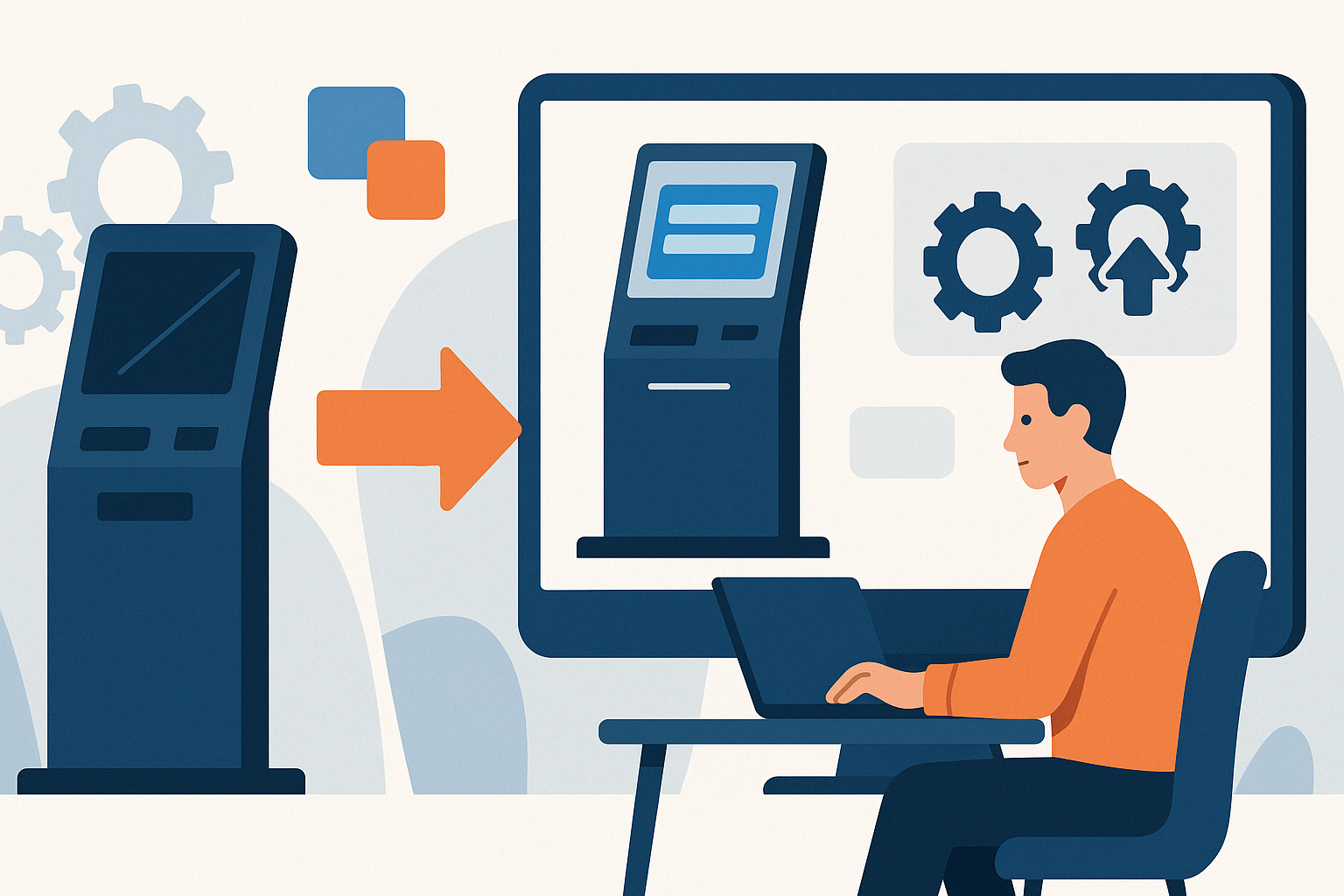
Revamping legacy kiosk software for modern needs is essential for businesses aiming to enhance user experience and operational efficiency. As technology evolves, existing systems may fall short in meeting contemporary requirements, necessitating a thoughtful upgrade process.
This article explores how organizations can effectively assess their current software capabilities, align with user expectations, and integrate advanced features like automated updates and remote support.
Assessing the Current Software Capabilities
Revamping legacy kiosk software begins with a thorough assessment of its current capabilities. This involves identifying existing functionalities and limitations within the software. Understanding what the software can do well and where it falls short is crucial for determining the necessary improvements.
It is also essential to evaluate user feedback and performance issues. Gathering insights from users can reveal persistent problems and pain points that may not be immediately apparent. This feedback should guide the revamp process to ensure that the new solution addresses real-world challenges.
Finally, consider the integration capabilities with modern systems. As businesses increasingly rely on various technologies, ensuring that the revamped software can seamlessly integrate with existing infrastructure is vital. This not only improves operational efficiency but also enhances the overall user experience.
Understanding User Needs and Expectations
Understanding user needs and expectations is a critical step when revamping legacy kiosk software. Engaging with stakeholders, including employees and customers, helps gather valuable insights on what users expect from the software. This step ensures that the revamped solution aligns with user requirements.
Additionally, analyzing trends in user behavior and technology advancements offers a broader perspective. Keeping abreast of the latest technological developments can inform decisions on features and functionalities that will enhance user satisfaction.
Determining essential features to enhance user satisfaction should be a priority. This includes considering features that improve usability, accessibility, and overall functionality. By focusing on user needs, businesses can create a more effective and satisfying kiosk experience.
Incorporating Automated Updates for Efficiency
Automated updates are a critical feature in modern kiosk software, offering numerous benefits that enhance operational efficiency. By implementing automated updates, organizations can significantly reduce downtime and maintenance costs associated with manual update processes. This proactive approach ensures that kiosks remain operational and up-to-date with the latest software enhancements, minimizing disruptions to service.
Security is a paramount concern in today’s digital landscape. Regular automated updates help ensure compliance with evolving regulations and security standards. By keeping software consistently updated, businesses can protect sensitive user data and reduce vulnerabilities that could be exploited by malicious actors.
Furthermore, automated updates provide users with access to the latest features and functionalities without the need for manual intervention. This seamless approach not only improves user satisfaction but also fosters a more engaging and efficient user experience. As technology continues to evolve, ensuring that kiosk software is equipped with the latest advancements will position businesses to better meet customer expectations and marketplace demands.
Implementing Kiosk Monitoring Solutions
Real-time monitoring is a fundamental aspect of effective kiosk management, allowing businesses to identify issues before they adversely affect users. By leveraging sophisticated monitoring solutions, organizations can track the performance of kiosks, detect anomalies, and respond swiftly to any operational challenges. This proactive approach minimizes downtime and enhances the overall user experience.
Analytics play a crucial role in enhancing operational efficiency. By analyzing data collected from kiosk usage, businesses can gain valuable insights into user behavior, peak usage times, and potential areas for improvement. This information can inform strategic decisions, leading to optimized kiosk placement and better resource allocation.
Moreover, implementing kiosk monitoring solutions enables businesses to improve customer experience through proactive support measures. With the ability to address issues before they escalate, organizations can ensure a smoother interaction for users, ultimately leading to increased satisfaction and loyalty. By investing in effective monitoring systems, companies can maintain a competitive edge in the self-service kiosk market.
Revamping Legacy Software with Remote Support
In today's fast-paced business environment, the need for efficient customer support is paramount. Revamping legacy kiosk software to include remote support capabilities can significantly enhance the overall user experience. Remote support allows for quick troubleshooting and issue resolution, minimizing downtime and ensuring that kiosks remain operational.
By integrating remote support tools, businesses can enhance user confidence in their kiosks. Users are more likely to utilize self-service options when they know that help is readily available at the click of a button. This reduces the need for on-site visits, saving both time and resources for the organization.
Moreover, a streamlined support process can be achieved through integrated communication tools within the kiosk software. These tools enable support teams to communicate effectively with users, providing real-time assistance and guidance. It also allows support staff to access diagnostic information remotely, facilitating faster resolutions to common issues.
Ultimately, revamping legacy software with remote support not only improves operational efficiency but also fosters a more user-friendly environment that encourages greater adoption of self-service technology.
How AtashiTech helps
AtashiTech builds software solutions tailored to modern kiosk needs, such as the Centralized Kiosk Management & Remote Monitoring Platform, which allows operators to manage their entire kiosk fleet from one cloud dashboard. This platform includes features like real-time health monitoring, remote content updates, and alerts, ensuring that legacy systems can be effectively integrated with contemporary functionalities.
Additionally, AtashiTech's kiosk solutions, like the Employee Self-Service (ESS) Kiosk Software, provide a seamless user experience while meeting specific operational requirements. By utilizing these software solutions, businesses can ensure that their legacy systems are not only maintained but also enhanced with modern capabilities.
Conclusion
Revamping legacy kiosk software is crucial for maintaining relevancy and efficiency in today's fast-paced environment. By leveraging modern technology, organizations can significantly improve their kiosk operations.
Planning a kiosk project? Talk to AtashiTech about your requirements — every engagement is scoped and quoted individually.
Frequently asked questions
Related solutions

Centralized Kiosk Management & Remote Monitoring Platform
One console for every kiosk we deliver: enrolment, heartbeats and alerts for silent terminals, crash loops, low battery and peripheral faults, remote screenshot, restart and on-screen message, staged releases, one error log and uptime PDF reports.
Learn more
Employee Self-Service (ESS) Kiosk Software
A shared touch-screen kiosk that gives deskless staff payslips, leave, attendance, rosters, policies and HR tickets, signed in by PIN, ID card QR or face. NextEss is ready now on Android tablets with a free 14-day trial, or we build it to your requirements.
Learn moreMore from the blog
How a Queue Management Kiosk Reduces Waiting Room Stress
Explore the advantages of implementing a queue management kiosk in hospitals and banks to enhance service efficiency and reduce waiting room stress.
Key Kiosk Software Cost Factors You Should Know
Discover the primary factors that influence the cost of custom kiosk software, and gain insights to enhance your project budget planning.
Android iOS Apps for Your Business Requirements
Learn how Android iOS apps can be tailored to fit your business needs, regardless of size. From native development to integration, explore your options.
Tell us the journey, the sites and the hardware you already have — every engagement is scoped and quoted individually.