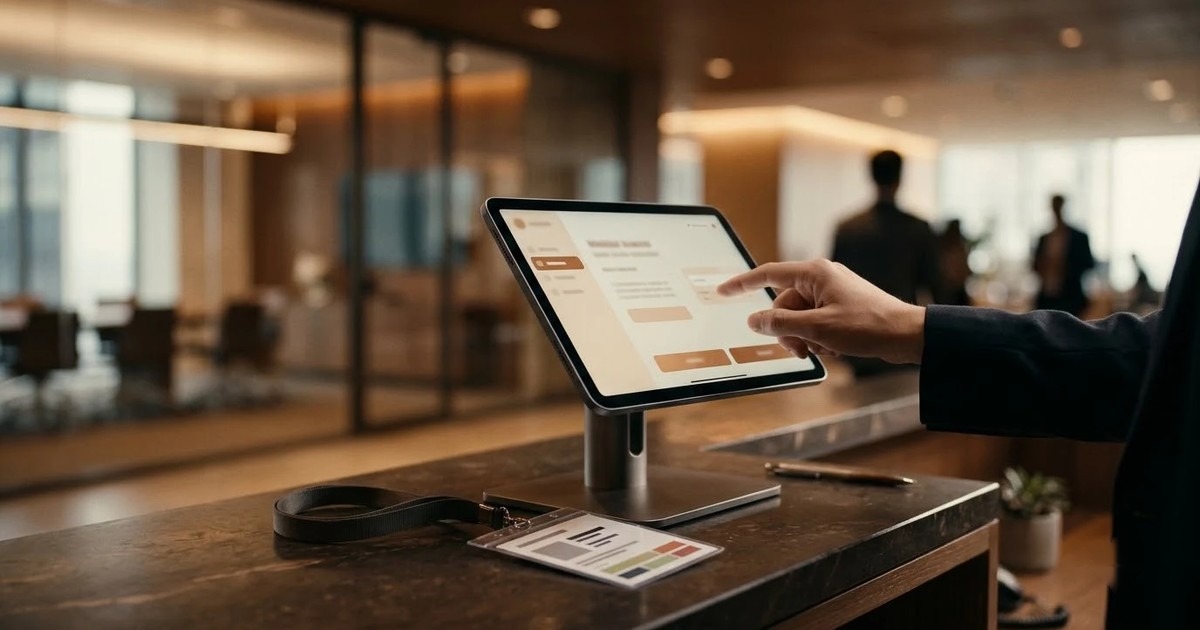
A visitor management kiosk is a screen at the door where a guest signs in, gets approved and collects a pass, so the building keeps a digital record of who came and when. When you compare kiosk sign in software, check five things: how the guest arrives, who approves, what happens when the network drops, how the gate checks the pass, and who can see the visitor data.
This guide is for the person who has to pick one: an office manager, a facility head or a security lead. It is a checklist, not a sales page. If you want the product overview, read our visitor management software page.
What a visitor management kiosk actually does
A kiosk replaces the paper visitor book and the receptionist's memory. The visitor registers on a tablet or a floor-standing screen. The host is told. A pass is issued. When the visitor leaves, the record closes.
That sounds simple, and it is. The differences between products sit in the details below. Two kiosk based visitor management systems can look the same in a demo and behave very differently on a Monday at 9:00 with forty people in the lobby.
Start with your own visitors, not with features
Before you look at any software, write down the kinds of visitor you get. Most sites have more than one.
- Invited guests who should type a code and be done.
- Walk-ins who need a short form.
- Regular visitors such as couriers or auditors, who should not retype their details every time.
- Contractors and vendors who need a safety briefing before they enter.
- Restricted-area visitors who need someone to say yes first.
Now the useful test. Ask each vendor to show you each of these five journeys, one by one. If a vendor only shows the happy path for an invited guest, you have learned very little.
Kiosk sign in software: what to check at the screen
The registration form
Your form should ask only what your site needs. A lobby may want name, company and host. A factory may want an ID type, an ID number and a photo of the document. Look for forms you can design per visitor type, with fields you can show, hide or require.
Invitation codes
Invitations save the most time at the desk. A host invites a guest, the guest gets a code by email, and typing the code fills the form. In our own visitor management software the code is six digits. Ask any vendor how invitations work, who can send them, and what the host sees afterwards.
Returning visitors
A good kiosk recognises someone who has been before, for example by mobile number, and fills in the details. This matters more than it sounds. Re-typing a company name on a touch screen is what makes visitors hate kiosks.
Photo and ID capture
If you need a visitor photo or a picture of an ID document, test the camera. A kiosk with a poor camera angle or glare in a bright lobby will give you photos you cannot use. Ask whether face or fingerprint sign-in exists for regular visitors, and whether it is optional. It should be off unless you switch it on.
Approvals and host notifications
Some visitors can walk straight in. Others need approval. Check that the software lets you set this per visitor type, not for the whole building.
Ask these questions:
- Can approval go to the host only, or to a second person as well?
- Can the approver reply from a phone without installing anything?
- What does the visitor see while they wait?
- Does the gate refuse the pass until approval is given?
- Can an administrator override a decision, and is that recorded?
Host notifications matter just as much. The host should hear about the arrival at once, by email or push, not when the visitor phones from reception. Our platform supports up to two levels of approvers, with one-tap Approve and Reject links in email and push notifications in the Android app.
Safety briefing before the pass
For factories, warehouses and construction sites, the briefing is half the point. Ask whether the kiosk can play a safety video that cannot be skipped, show a document, and run a short test with a pass mark. Ask whether the test can be turned off for visitors who only need to watch the briefing.
If contractors stay for weeks, a one-off visitor briefing is not enough. Look at how the same account handles longer stays. We cover that on our contractor induction software page.
Gate check and sign-out
Registration is only the front half. A pass that nobody checks is decoration.
Look for a QR pass that can be scanned on entry and exit, on the kiosk, a USB scanner or a guard's phone. The guard should get a plain verdict, and a clear reason when a pass fails: wrong site, already used, expired or waiting for approval.
Sign-out is where paper books fail and many kiosks do too. If nobody signs out, your "who is on site" list is wrong, and it is wrong exactly when you need it. Ask how the system closes a visit, and whether you can hold the exit until the host releases the visitor. If it can, make sure security has a recorded override, so nobody is ever locked in.
A worked example: a contractor at the gate at 8:05
This is an example, not a customer story. It shows what to test in a demo.
A contractor arrives at a factory gate at 8:05 for a repair job. Here is what a good system does.
- He scans a QR poster on the gate with his own phone and fills in his details. No app, no login.
- He chooses an ID type, enters the number and photographs the document.
- He watches the safety video to the end and answers a few questions.
- The maintenance manager gets an approval email on her phone and taps Approve.
- The contractor gets a pass with a QR code. The guard scans it at the gate and sees a clear verdict.
- When he leaves, he scans out. The record closes, and the "on site" list is correct again.
Now run your own version. Pick your busiest entrance and your most awkward visitor type, and ask the vendor to walk through it. You can see a similar journey in our live visitor sign-in demo, which runs in the browser with sample data.
Which device, and what if the network drops
Kiosks come in several forms, and your building may need more than one.
- Android tablet kiosk: a wall or desk tablet locked to the visitor flow.
- Windows kiosk application: for floor-standing touch screens and gatehouse PCs.
- Browser kiosk: any screen with a modern browser, but it needs a connection.
- Visitor's own phone: a QR poster opens the form in the phone browser, which keeps the queue off the kiosk on a busy morning.
The offline question is one many buyers forget. Ask the vendor what the kiosk does when the internet is down. Some stop. Others keep registering visitors from a local copy and sync later. In our platform the Android tablet and Windows kiosks work offline, while the browser kiosk and phone pages need a connection. For a main entrance with an unreliable network, that difference decides the hardware.
Also ask what is on request rather than built. Badge printers, turnstiles and door controllers are the usual ones. A vendor who tells you plainly what is not ready is easier to trust.
Visitor data and privacy
A paper visitor book shows every guest the names and phone numbers of the people before them. A digital system should not repeat that mistake in a new form. Check these points.
- Does each visitor see only their own form?
- Which roles can open the visitor list?
- Who decides how long records are kept, and where they are hosted?
- Is face or fingerprint sign-in optional, with consent recorded?
- Can you export records for an audit?
Rules differ by country, and your own policy comes first. Ask the vendor to fit retention and hosting to it, not the other way round.
Selection checklist
Print this table and fill it in during each demo.
| Area | What to ask | Why it matters |
|---|---|---|
| Visitor types | Can each type have its own form, approval and briefing? | A lobby and a factory gate are not the same. |
| Invitations | Does a code pre-fill the form? | Saves time for most guests. |
| Returning visitors | Are details recognised? | Cuts typing on a touch screen. |
| Approval | One or two levels, by phone, with override? | Restricted areas stay restricted. |
| Briefing | Video, document and test? | Safety is recorded before entry. |
| Gate | QR scan in and out, clear failure reasons? | A pass is only as good as the check. |
| Sign-out | How does a visit close? | Keeps the on-site list true. |
| Offline | What happens with no network? | The lobby should not stop. |
| Privacy | Who sees the data, and for how long? | Visitor details are personal data. |
| Branding | Your logo and screensaver? | The kiosk is part of your reception. |
| Sites | Several locations on one account? | One export for head office. |
Questions to put to every vendor
- Show me a walk-in, an invited guest and a restricted visitor, live.
- What happens when the internet goes down?
- Who can see the visitor list, and who cannot?
- How does a visit close if the visitor forgets to sign out?
- What is built today, and what is on request?
- Can I try it with my own form and logo first?
That last question is fair. We offer a 14-day free trial: we set up your account and email you the login. You can request it from our visitor management software page.
When a standard product is not enough
Some sites need a badge printer at the kiosk, a turnstile that opens on a valid pass, or a link to an existing system. If that is you, say so early. We build customised kiosk software, and you can read about it on our kiosk application development page, or contact us with a description of your entrance.
To sum up: choose by your hardest visitor, not your easiest. Test the gate and the sign-out, not only the sign-in. Ask what happens offline. Then compare, with the table above and our visitor management kiosk overview next to it.
Frequently asked questions
Related solutions and services

Visitor Management Software
Replace the visitor book with invitations, two-level approvals, a short safety induction and QR gate passes, on an Android tablet, a Windows kiosk, any browser or the visitor's own phone. Works offline. 14-day free trial.
Learn more
Contractor Induction Software
Induct every contractor before they pass the gate: unskippable lessons, a timed test, a QR certificate, supervisor approval and gate scanning, on a tablet, a Windows kiosk, any browser or the workers' own phones. 14-day free trial.
Learn more
Kiosk Application Development
Windows/.NET kiosk apps with peripheral integration.
Learn moreMore from the blog
Doctor Prescription App: What It Does and How to Choose One
What a doctor prescription app does, how it compares with a paper pad, what to check during a trial and who it suits. Includes a worked OPD example and a buyer's checklist.
Self-Checkout Kiosk Software for Indian Retail: A Buyer's Guide
What to check in self-checkout kiosk software for an Indian store: UPI, card and cash, weighing, offline use, Android or Windows hardware, and staff assist.
The Importance of Offline Kiosk Software for Operations
Discover the significance of offline kiosk software for operations managers facing unreliable connectivity. Ensure seamless service delivery with the right solutions.
Tell us the journey, the sites and the hardware you already have — every engagement is scoped and quoted individually.