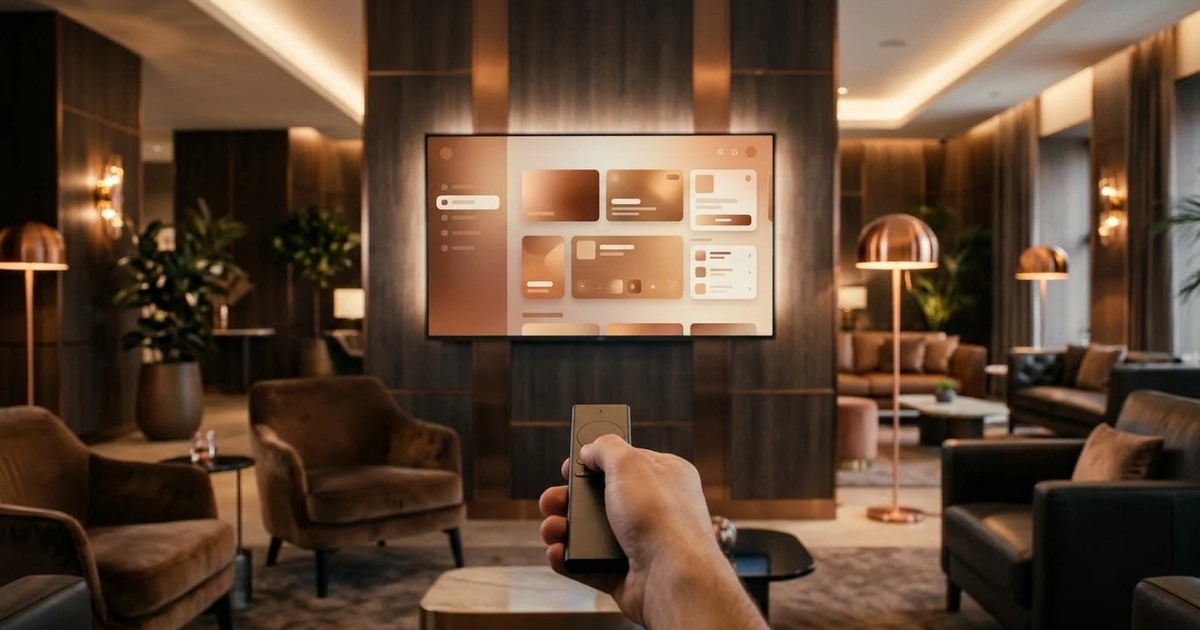
To build an Android TV app for a business, first decide whether it is a player that runs on its own or an app people drive with a remote. Then pick the devices, test on the exact model you will buy, and choose a partner who can show you recovery after a power cut and a way to update screens remotely. This guide covers each of those steps in the order you will meet them.
It is written for the person who has to brief a developer: an operations head, a marketing lead or an IT manager. If you only want looping content on screens, read our Android digital signage guide instead. This post is about the wider job of a custom TV app.
Two kinds of TV app, and why the split matters
Most briefs mix two different products. Sort yours first, because the design, the testing and the cost of each are different.
- An unattended player. It starts when the screen is switched on, plays its schedule, and fixes itself after a power cut. Nobody holds a remote. Lobby screens, menu boards and queue boards are all players.
- An interactive TV app. A person moves around it with a remote control. It has menus, a catalogue or a video library, and playback controls. An OTT or content app is the usual example.
Many estates need both. A hotel might want an interactive guest app in the rooms and a plain player on the lobby wall. Our Android TV and smart TV app development work covers both kinds, so say which one you mean at the start.
Where business TV apps are used
- Lobby and reception screens that welcome guests and show notices.
- Hotel rooms, with a welcome screen, services and local information.
- Menu boards that change with the time of day.
- Queue boards that show the token now being served.
- OTT and content apps for a broadcaster, a school or a brand that wants a place on the TV home screen.
- Dashboards on a shop floor or in an operations room, reading numbers from your own systems.
Remote and D-pad navigation: the part people underestimate
A phone app is touched. A TV app is steered. The viewer has a remote with four arrows, a select button and a back button, and sits across the room. Every screen has to work with just those.
This is where cheap TV apps fail. The rules are simple to state and easy to miss:
- Something must always be highlighted. A viewer should never wonder where the focus went.
- Arrow keys must move in the direction you expect, including at the edge of a list.
- The back button must go back one step, and never trap the viewer or close the app by surprise.
- Text must be large enough to read from a sofa or from across a reception.
- Keep margins safe, because some panels crop the edge of the picture.
Google's own TV interface style is often called leanback. It is a set of patterns for rows of cards, focus highlights and big type. A good partner designs every focus state on paper before building. Ask to see them. If a vendor shows only static screenshots, they have not planned the remote journey.
Android TV, Google TV and other smart TV platforms
Android TV is the older name for Google's TV operating system. Google TV is the newer home screen that runs on top of it. For an app builder, the two are close cousins, so one app generally serves both. Commercial displays and inexpensive TV boxes also run Android, which is why Android is the common choice for business screens.
Other smart TVs, from the large makers, use their own systems. An app built for Android will not install on them. You have three honest options:
- Standardise on Android. Buy displays with Android built in, or attach an Android TV box or stick to any screen. This is usually the simplest route to one fleet.
- Use a web player. A player that runs in a browser works on a smart TV's own browser. Nothing to install, but you depend on that browser and give up some control.
- Build a native app per platform. Right for a consumer-facing app that must be on every brand of TV. More work, and a bigger test list.
We build for Android TV and Google TV, TV boxes, commercial displays with Android built in, Android tablets, iPads, any modern browser and Windows PCs, and we can drive them all from one content console. Support for other TV platforms is on request.
Kiosk mode, lock mode and what happens after a reboot
A business screen must not behave like a home TV. Nobody should reach the settings menu, open another app or leave the player on a wrong input.
A well-built player starts on boot, goes full screen and stays locked to the app. After a power cut it reloads its stored schedule and resumes with no one touching it. It also tells the console that it restarted, so staff can see it happened. Ask a vendor to prove this live: pull the plug on a test screen and watch it come back.
The same lock applies to tablets and kiosks. A tablet at a counter or in a lobby is locked to the app, with touch where you want it, such as a menu or a check-in screen.
Remote updates and screen health
Walking round with a USB stick does not work past a few screens. Look for these:
- Content and schedules pushed over the air from a browser console.
- A pilot group, so a change reaches a few screens before all of them.
- A last-check-in time for every player, and an alert when one goes quiet.
- Proof-of-play logs that show what each screen actually played.
- Offline playback, so a dropped network does not blank the picture.
Viewer-facing apps in the Google Play store are different. They follow the store's TV rules and are updated through the store. Signage players are usually shared privately through your own device management tool instead.
A worked example (illustrative only)
Take an imagined clinic group with a waiting room in each branch. Each waiting room has a wall-mounted TV. Today, staff call out token numbers and a receptionist updates a slide deck by hand.
What they would specify:
- Type: an unattended player, not a remote-driven app. No one browses it.
- Device: a TV box with Android on each screen, chosen after testing one on a real panel.
- Zones: the number now serving and the counter on one side, notices and a ticker on the other.
- Live data: the token number comes straight from the queue system, so nobody retypes it.
- Recovery: start on boot, reload the schedule, report the restart.
- Rollout: one branch as a pilot, then the rest.
This is only an example, but it shows the pattern. The brief is about behaviour on a wall, not a list of features.
Choosing an implementation partner: questions to ask
| Question | What a good answer sounds like |
|---|---|
| Will you test on our exact device model? | Yes, because video support and start-up behaviour differ between models. |
| Can I see the focus states for a remote? | Yes, every state is designed before the build. |
| What happens after a forced reboot? | It restarts, reloads its schedule and reports in. They will show you. |
| How do you update screens? | Over the air, with a pilot group first. |
| How do I know a screen has failed? | An alert when a player stops checking in. |
| Who owns the source code? | It is stated in writing before the work starts. |
| What do you need from us at the start? | A screen inventory, content types and the systems that feed the screens. |
| What happens after launch? | A maintenance contract covers system updates and player fixes. |
Pay attention to how they ask about your project. A partner who starts with your screens, your content and your systems has done this before. One who starts with a fixed package has not.
Buy a ready product or build custom?
A ready product is fine when you need a looping playlist on a few screens. Our digital signage software has a free plan for that. Build custom when you need live data from your own systems, an interactive app, players for several platforms, approval workflows or your own branding. Our approach to projects shows how we scope that work.
Next step
Write down your screens: where they are, which devices sit behind them, what they should show and what should feed them. Send that to us through the contact page and we will come back with a scoped proposal. Details of the build itself are on the Android TV app development page.
Frequently asked questions
Related solutions and services

Android TV & Smart TV Apps
Android TV and smart-TV apps and signage players.
Learn more
Digital Signage Software
Turn any screen into a display you run from a web portal: upload images and videos, build a playlist, pair the screen with a code. Free plan with self sign-up, Android TV app on Google Play and a web player; custom versions for iPad, Windows and your own branding.
Learn moreMore from the blog
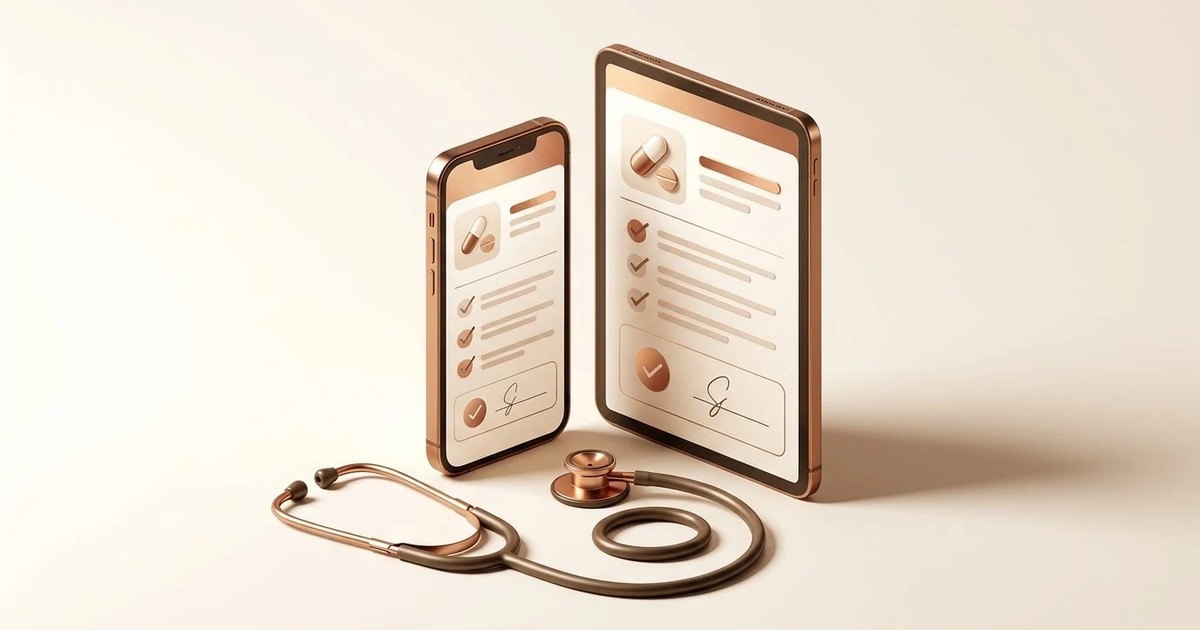
Doctor Prescription App: What It Does and How to Choose One
What a doctor prescription app does, how it compares with a paper pad, what to check during a trial and who it suits. Includes a worked OPD example and a buyer's checklist.
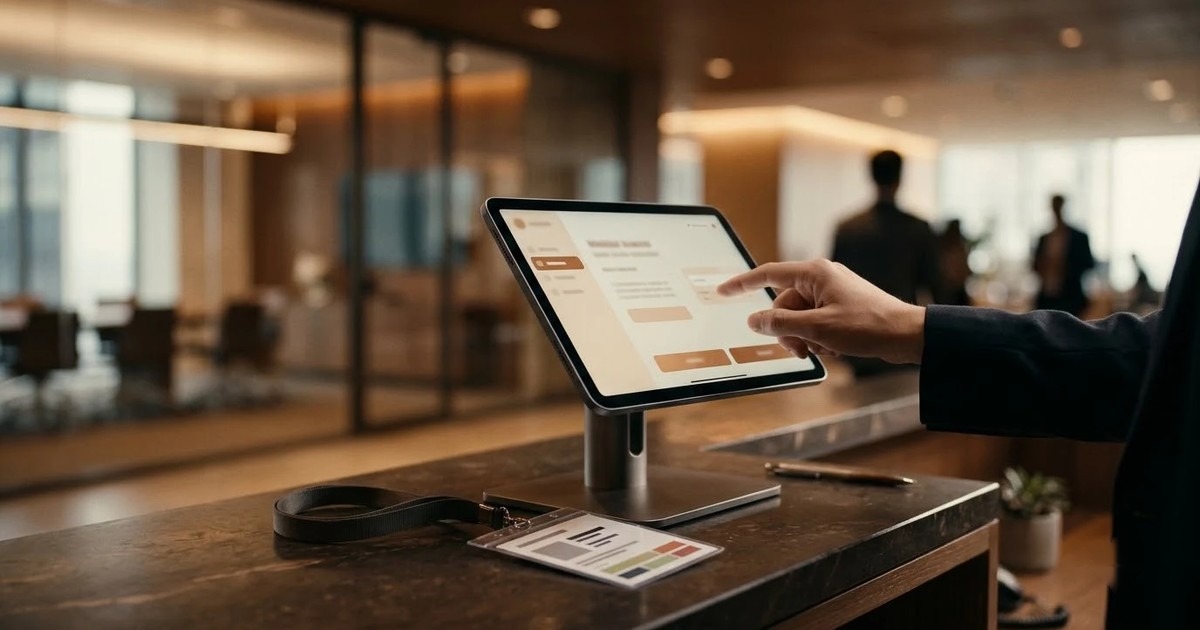
How to Choose a Visitor Management Kiosk for Your Office
A buyer's guide to the visitor management kiosk: what to check on sign-in, approvals, the gate, offline use and visitor data, with a checklist table.
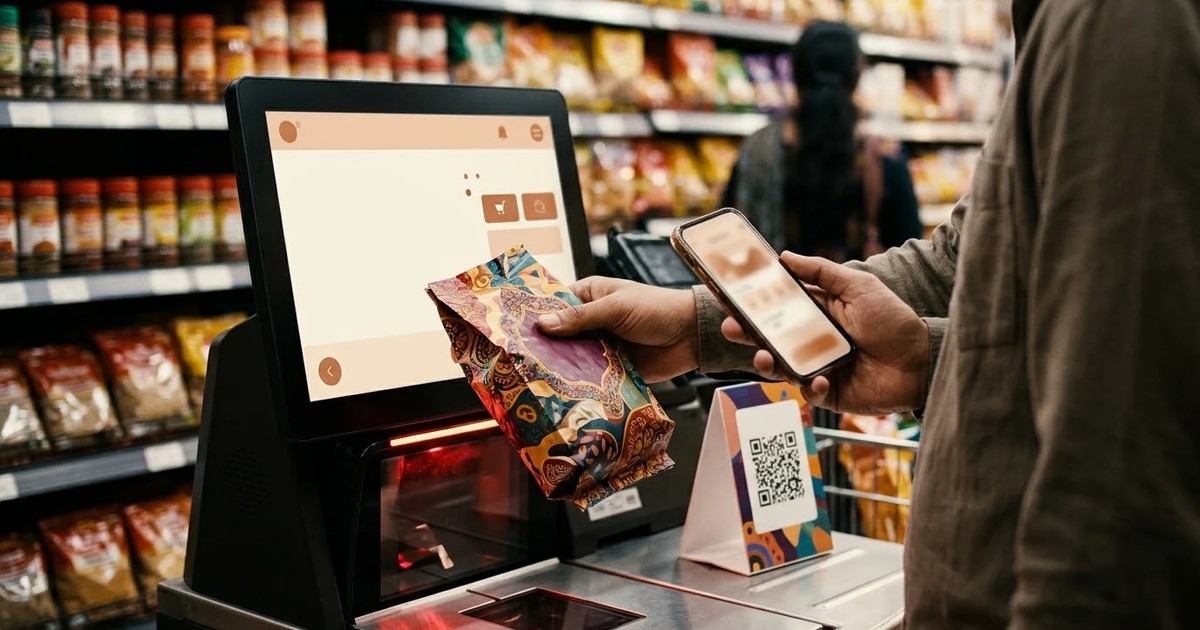
Self-Checkout Kiosk Software for Indian Retail: A Buyer's Guide
What to check in self-checkout kiosk software for an Indian store: UPI, card and cash, weighing, offline use, Android or Windows hardware, and staff assist.
Tell us the journey, the sites and the hardware you already have — every engagement is scoped and quoted individually.